


T2000 Printer Handheld Printer Handheld Printer manufacturer


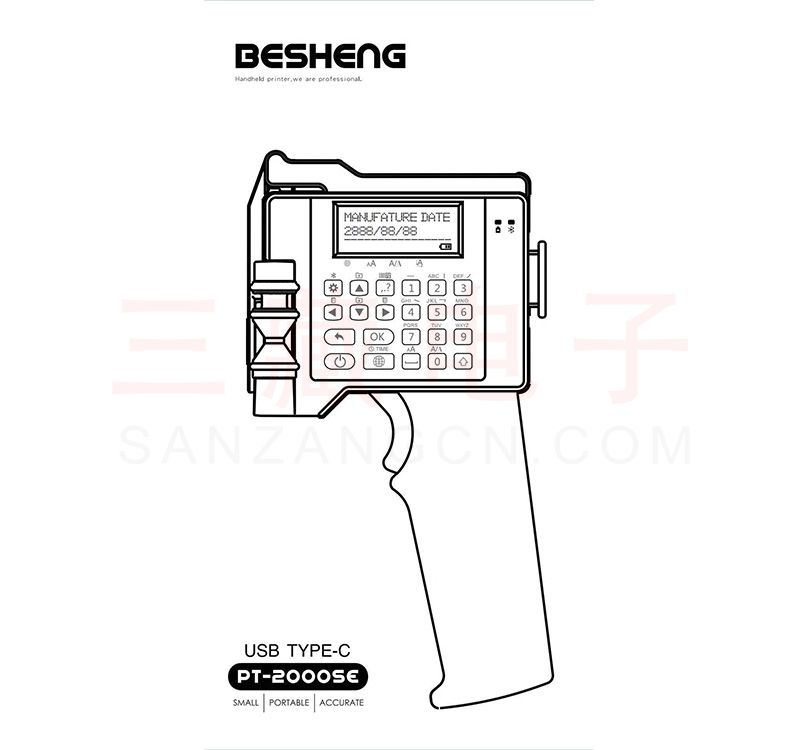
T2000 Printer Handheld PrinterHandheld Printer manufacturer
Ⅴlight Handheld PrinterIntroduction of operation
Please turn off the handheld printer while installing the ink cartridge. Press the side switch and then insert to the slot.
“LOCK”: In the locked state, content cannot be dragged.
“DRAG”: Click "LOCK" to switch to "DRAG" state, drag content to any position. To adjust the font size to the finest, add up to seven lines.
“+ADD”: Add text, picture, time, etc
“EDIT”: Click your edit text first, then click the “EDIT”, will enter to the editing interface. You can adjust the size,
Pitch, font format, and dot matrix.
“DEL”: Delete current text.
“SET”: Set the system. Generally do not need to change settings, control printing standard - quality - black, look at the individual needs adjustment.
“Manage”: To create a new template to save the information content.
“Clean NOZZ”: Cleaning nozzle function.
1) “Clean NOZZ”: Click interface "cleaner nozzle" to achieve cleaner nozzle function.
2) Click “SET” button, enter the setting backstage interface.
Prejet: “Close” means Turn off the quick cleaning function.
“No move” means Just press the Print button before printing to quickly clean the nozzle function.
Print CTL: “Standard” means 300dpi, “Quality” means 600dpi, “Bold” means bold the font.
“L->R”means printing from left to right.
“R->L” means printing from right to left.
Adjusting the print delay interval, the smaller the value the shorter the delay.
Click “Set Time” button, can reset the time of system.
Language includes EN/S CN/ T CN/ Czech.(Updating the language)
Click “manage” button, you can store different content information templates. You can switch to your content at any time.
“New” means you can set up a new template, typing the information you want to print. It will save automatically.
“copy” means copy a same template
“Rename” means rename the template.
“DEL” means delete the file.
“Select” means select your file.
Select your file, includes text, QR code, BAR code, Picture, Time,and count.
Click “TEXT”button, you can add Chinese, English, number and date
The font of text:
Enter the text font, there are three vector fonts and three kinds of Bitmap fonts. Bitmap fonts is adjustable.
Vector font effects are as follows:
Character size adjustment:
The first sliding bar, to adjust the size of the current text. Or directly input a value, range: 20 to 180
Setting of bitmap fonts:
Click “Vector font” switch to “Bitmap font”. The second sliding bar, to adjust the size of the current text. Or directly input a value, range: 5p,7p,11p,16p,24p,32p. Small point,middle point, big point. For Chinese, it can only print with 11p and 16p.
Character spacing adjustment:
Third slide bar, can adjust the spacing between each character.
Click “QR”,you can input website, number, text,etc. NOTE: if you need to input the code of need to input with “picture”.
Click “BAR”, then input the number. You can choose five type of bar code. Including Code128, code39, EAN8/13, UPCA, ITF(2of5)
Steps are as follows,
1) The biggest size is 800px*150px(px means pixel). You need to set the size of the picture firstly.
2) Use windows system- accessories- paint, Save as type will be “Monochrome Bitmap(*.bmp,*.dib)”.
3) Then input the picture to U- disk. U disk connected to the handheld printer, then Click “Pic” to choose your file from the u disk.
Click “Time” button, it will print the current time.
Click “CNT”. Calculator: counter, serial number, record number of prints, click on parameter settings, 1-8-bit variable sequence number, end value up to 99999999.
Turn on the power switch, after the system starts, press the print button on the handle. Blue light means printing. You should press the button while printing. There will be a “Di” prompt tone during printing and after printing.
Note: The main menu of the printer recently has been upgraded, will be some difference between the specification and operation. But the actual function don’t have any change, we will have subsequent updating in the future.
time Handheld PrinterAttention:
1) At the beginning of interval printing(non-continuous), the first word might be blurred.
Due to the fast drying ink, all of the handheld printer meets the same problems.
2)Add “Prejet” function.
Choose “No move” in the prejet. Then you can press the print button before printing. It will quickly clean the nozzle.
If you want a deeper color, please choose “quality” or “bold”.
The company supply Handheld inkjet printer, which include Handheld Printer with APP and Handheld Printer with USB port. Our products have high quality and competitive prices.
For more product information, please click here.
Send product request
Other supplier products
 |
Seabird Camera cheap Sports camera supplier | Seabird Cameracheap Sports camera supplier Safety Guide 4k sport Camerafor sale Basic Instructions Press and hold the power button for 3 seconds to... |
 |
Seabird Sticker Printer with Screen Handheld Sticker Printer Label Printer | Seabird Sticker Printerwith Screen Handheld Sticker Printer Label Printer Packing List Printer Data line Label box Usage guide china Portable Stic... |
 |
Seabird Camera waterproof Sports camera supplier | Seabird Camerawaterproof Sports camera supplier SEABIRD sports cameras are designed in accordance with the development trend of market demand, with... |
 |
Seabird Sports 4K Camera (Orange) Cheap Mini Sports Camera Manufacturer | (Orange) Cheap Mini Sports Camera Manufacturer Preface SEABIRD sports camerasare designed in accordance with the development trend of market demand... |
 |
T1000 Handheld Inkjet Printer BAR code Handheld Printer for sale | T1000 Handheld Inkjet PrinterBAR code Handheld Printer for sale Ⅰsummarize Besheng handheld printer, designed with thermal foaming spray nozzle, ca... |
Same products
 |
N2XSY Medium Voltage Copper Cable | Seller: Zhuhai Electric Wire and Cable Co.,Ltd. | N2XSY Medium Voltage Copper Cable CU/XLPE/CWS/PVC Cable The N2XSY (medium cable)has a singl... |
 |
Twin Twisted Flexible Wire Supplier | Seller: Zhuhai Electric Wire and Cable Co.,Ltd. | Twin Twisted Flexible Wire Supplier PVC Insulated Twin Twisted Flexible Cable refers to t... |
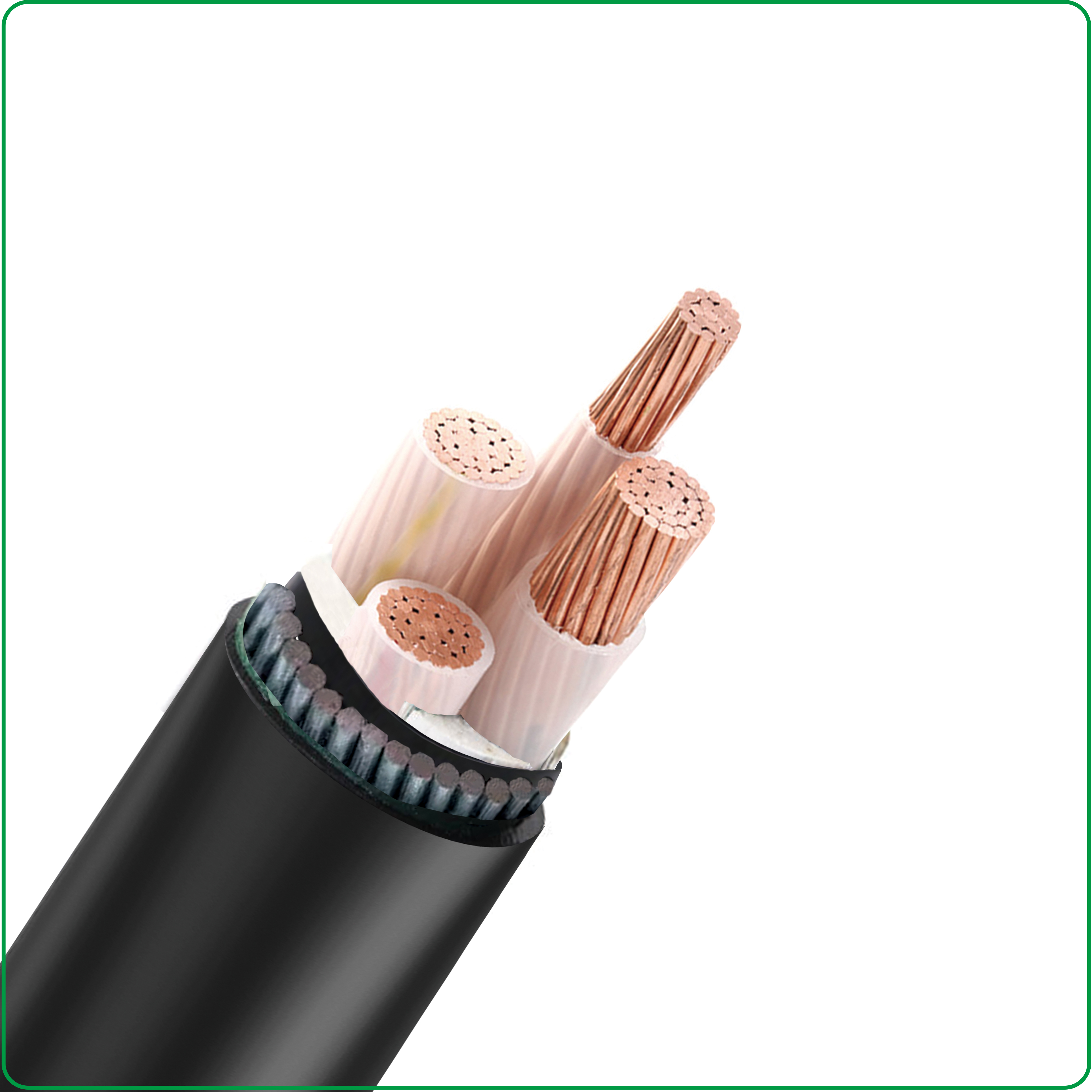 |
Industrial Cables | Seller: Zhuhai Electric Wire and Cable Co.,Ltd. | Industrial Cables Industrial Cables Types As a trusted cable manufacturer in China since 20... |
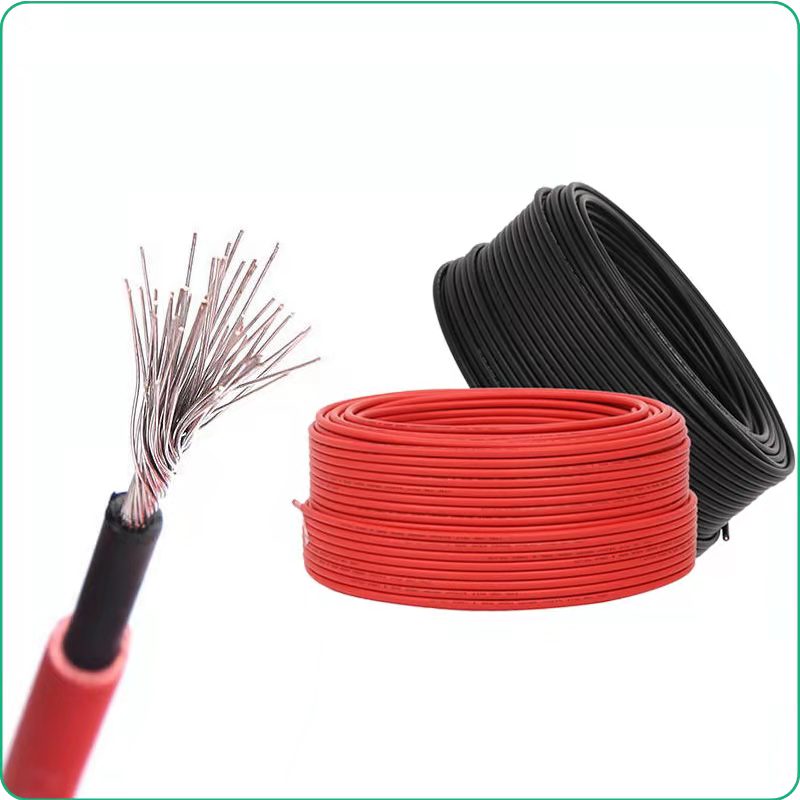 |
PV1-F Solar DC Cable | Seller: Zhuhai Electric Wire and Cable Co.,Ltd. | PV1-F Solar DC Cable XLPO Insulated, Solar cable is designed especially for the interconne... |
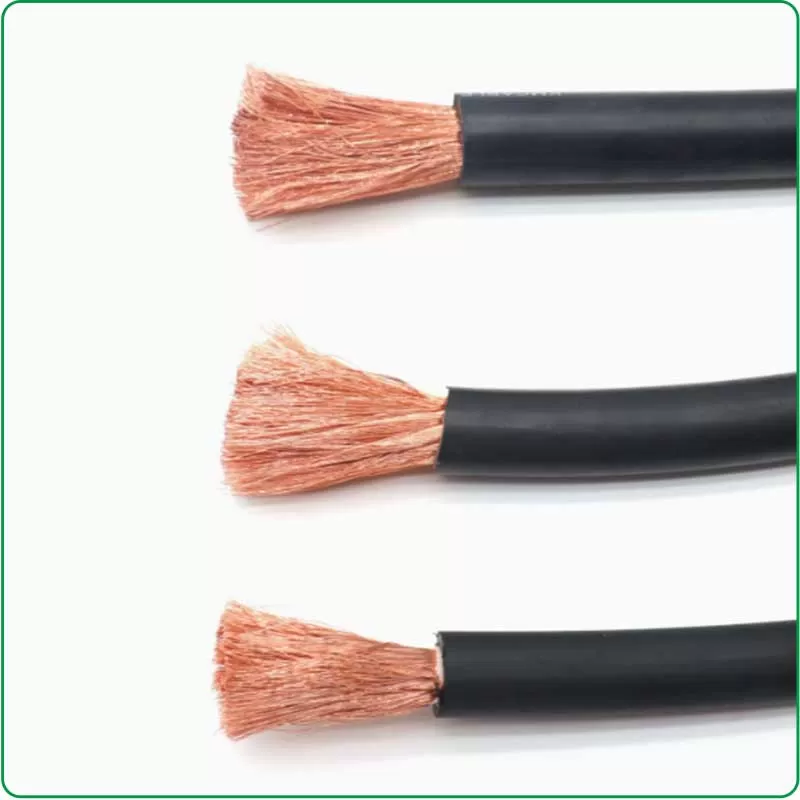 |
Rubber Cable Manufacturer | Seller: Zhuhai Electric Wire and Cable Co.,Ltd. | Rubber Cable Manufacturer are renowned for their flexibility, durability, and resistance to ... |

