iMFC Function 1 Year Activation For Unlock Repair Apple Watch

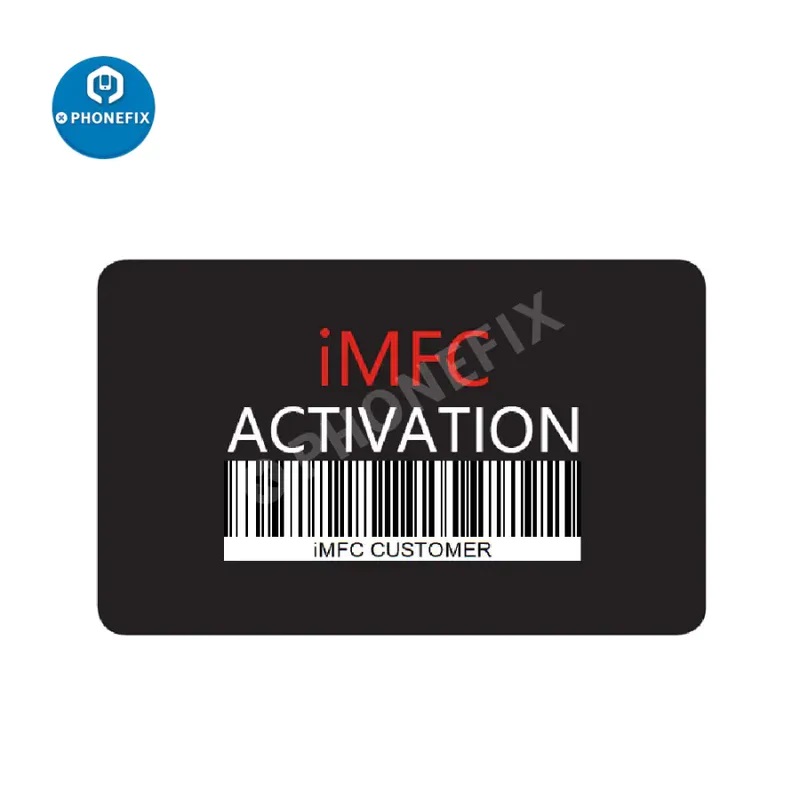
Online 1 Year iMFC function for iPhone/iPad/iPod/Apple Watch Repair, iMFC function 1 Year Activation for using the iMFC function of the MFC software without using the MFC Dongle hardware, just through the online user account, which supports all iOS device read general information, DFU purple mode, ID change/unlock, ect.
How to activate iMFC?
1. Create a user account at the official website ().
2. Logging in with a valid account.
3. Download the software:
4. Run this software.
5. Activate the iMFC function by using activation code.
Note:After you purchase this iMFC function, please contact us to get the activation code. (: /
How to use the iMFC function?
Download the latest version of MFC Suite software (Version > 3.7) and install on your computer, start using the iMFC function with your valid account.
Features:
1. Support all iOS devices to read general information;
2. Support iPhone 7 to iPhone X enter DFU purple diagnostic mode and data change by USB cable or DCSD cable (beta);
3. Support iPad (Some models) enter purple diagnostic mode and data change by USB cable or DCSD cable. Some models required using Arduino USB HostShield (beta);
4. Support Apple Watch S1/S2/S3 enter purple diagnostic mode and data change by USB cable or DCSD cable. iBUS Activation Required;
5. Support super Restore/Update/Custom flash IPSW;
6. Automatic iOS version detecting, even in disabled or untrust mode;
7. Support multi iDevice operating at the same time;
8. History recording by Real-time logs;
9. Support all iOS Device Activate / Deactivate by USB cable;
10. Support management user's / system and Archives Apps;
11. Support Update / Install / Uninstall / Backup Apps by one button;
12. Support Apple Watch repair/ update/ restore by iBus Tools (S6 in beta);
13. Support all iOS Device mode change by USB cable;
14. Support all iOS Device diagnostics check by USB cable;
15. Support all iOS Device time settings by USB cable (beta).
Note:
1. Systems: All Windows 8/8.1 or Windows 10 (Recommend Win10 64 bit)
2. If you already activated iBUS in your account, then you will be able to use another connector, but this may cause some unknown errors or damage the watch system, so we strongly recommend that you do not use other connectors.
3. This is an online account and doesn't need to be shipped.
Other supplier products
|
|
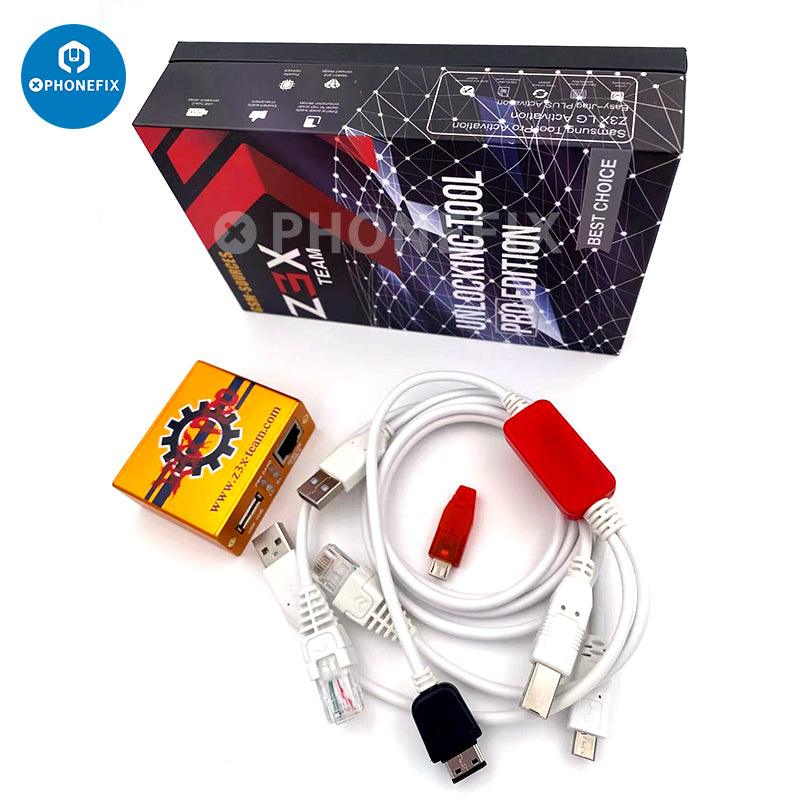
Z3X Pro Box Samsung Android Phones Repair Flashing Unlock Tool |
Z3X BOX is an ultimate flashing, mobile unlocking, repair IMEI and full service tool for Samsung and LG sOptional Version :
Option 1: Z3X Box LG... |
|
|
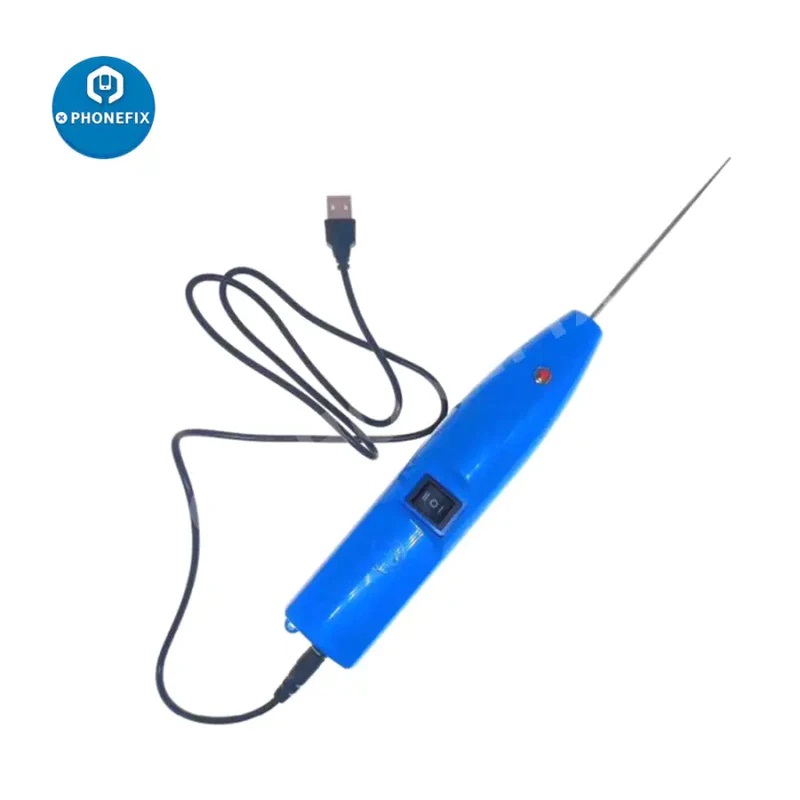
TBK-007 OCA/ UV Glue Adhesive Remove Clean Machine For Phone Repair |
100% Original TBK TBK-007 OCA Glue Clean Machine Professional UV Glue Adhesive Remove Clean Tool For i samsung LCD Screen |
|
|
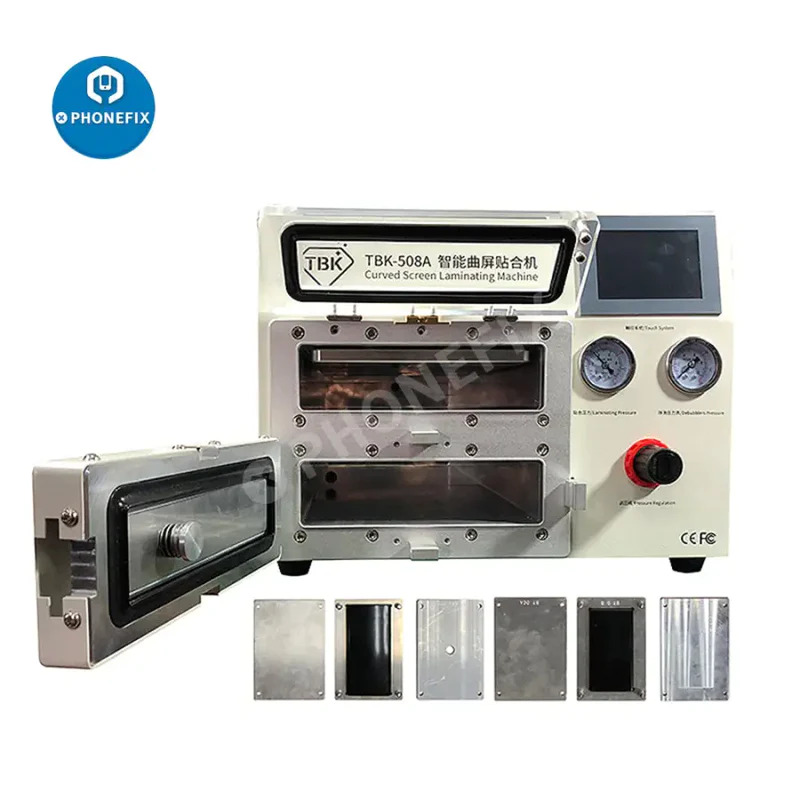
TBK-508A 14 Inch Curved LCD Screen Vacuum Laminating Debubble Machine |
TBK-508A Intelligent Curved Screen Laminating And Defoaming all-in-one Tablet Large-Size OCA Vacuum Laminating Machine With Moulds For Samsung iPho... |
|
|
4K Manual Varifocal lens USB Webcam USB Camera |
High Resolution 3840x2160 Mjpeg 30fps USB Camera for Machine Vision, Sony IMX317 Sensor 4K USB Webcam Camera for Android, Linux,Windows Machine Vis... |
|
|
10MP F1.4 Manual IRIS 2/3" Format 25mm Prime Machine Vision Lens |
10MP Low distortion Lenses, F1.4 Manual IRIS, 25mm Prime Machine Vision Lens, 2/3" Format Lenses For Industry 4.0 Security, Visual Recognition, Vis... |
All supplier products
Same products