

VoltClip Tool V007 Pro iPhone Battery Adhesive Debonding Remover Clip

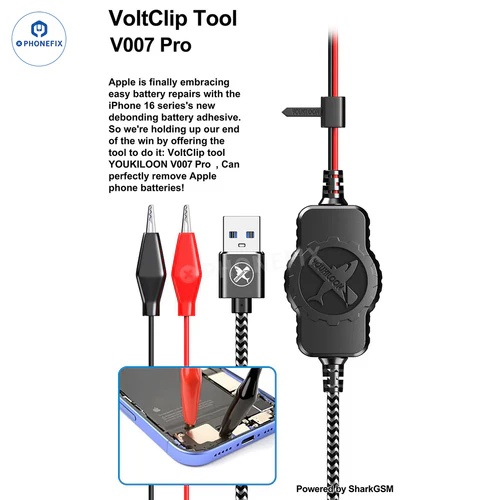
YOUKILOON V007 Pro VoltClip tool for debonding iPhone 16/16 Plus battery adhesive to disassemble iPhone 16 without causing any damage. VoltClip tool V007 Pro battery adhesive removing cable used to peel off the electrically-activated adhesive on the iPhone 16/16 Plus, makes iPhone 16/16 Plus battery removal quickly and safely, and improves iPhone 16 teardown efficiency.
Option:
1. V007 Pro VoltClip Battery Adhesive Quick Removing Cable.
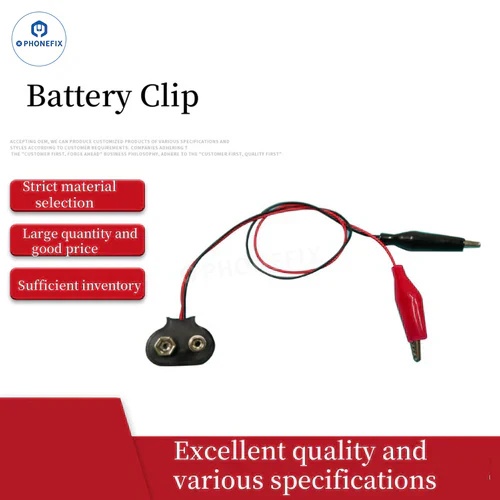
2. 9V battery connector dual alligator clips for iPhone 16/16 Plus battery removal. It is required to use a power supply or power bank with an output of 5-20V.
Why do we need to use the VoltClip tool for iPhone 16/16 Plus battery adhesive removal?
1. V007 Pro VoltClip to loosen the adhesive on the iPhone 16/16 Plus using "electrical debonding on demand" technology. The VoltClip requires a USB-C Power Delivery (PD) power source.
2. Electrical debonding-on-demand works by passing low electrical current through the adhesive. A 9–30 volt DC source is connected across the adhesive, and the resulting electrochemical reaction loosens the adhesive bond in minutes.
How to use it?
1. Open the iPhone, remove the iPhone 16/16 Plus screen.
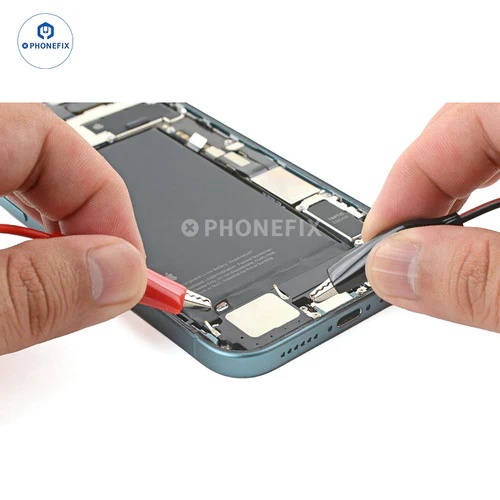
2. Attach the red alligator clip to the silver tab on the battery.
3. Attach the black alligator clip to the grounding screw..
4. Make sure the red alligator clip isn't touching any stray metallic surfaces.
5. Apply power to the USB cable and wait 90 seconds for the adhesive to loosen.
6. Disconnect the USB cable for power and then disconnect the alligator clips.
7. The adhesive should be fully loosened at this point. If the battery doesn't budge during the step, reconnect the VoltClip for an additional minute and try again.
8. Grip the silver tab and lift the battery out of the frame.
Send product request
Other supplier products
 |
Mechanic Middle Layer Tinning Platform with Mid-frame Stencil for iPhone | Mechanic Middle Layer Tinning Platform with Mid-frame Stencil for iPhone X/11/12/13/14/15/16 Pro Max motherboard repair. A set of tinning kit with ... |
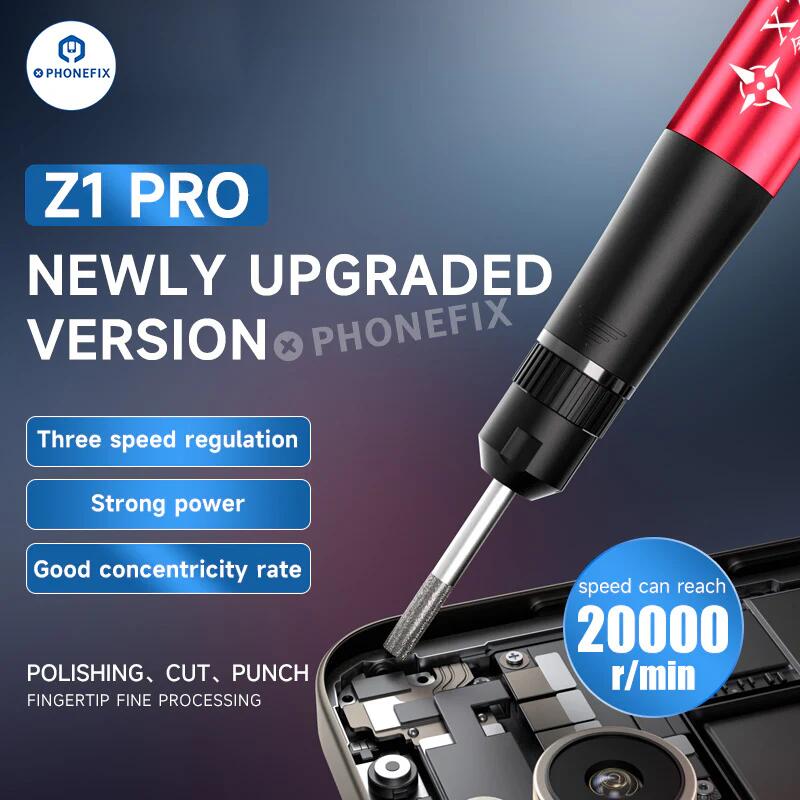 |
XZZ Z1 Pro Electric Polishing Pen for grinding and repairing phone motherboard CPU IC | Description XZZ Z1 Pro Electric Polishing Pen with Various Grinding Heads for different types of grinding and repair needs of mobile motherboard C... |
 |
MaAnt M061 Tin Dragging Needle FPC Connector Gold Plated Solder Bar | MaAnt M061 Gold-plated Drag Tin Needles with Light Carbon Fiber Handle Set Uniform and Fast Fill Tinning on Electronic/Mobile Phone Motherboard FPC... |
 |
MaAnt CX-003 Magnetic Pad Screws Storage Mat with Measuring Ruler Function | MaAnt CX-003 Magnetic Pad Screws Storage Mat with measuring ruler function, used to store mobile screws and small magnetic parts, measure size, et... |
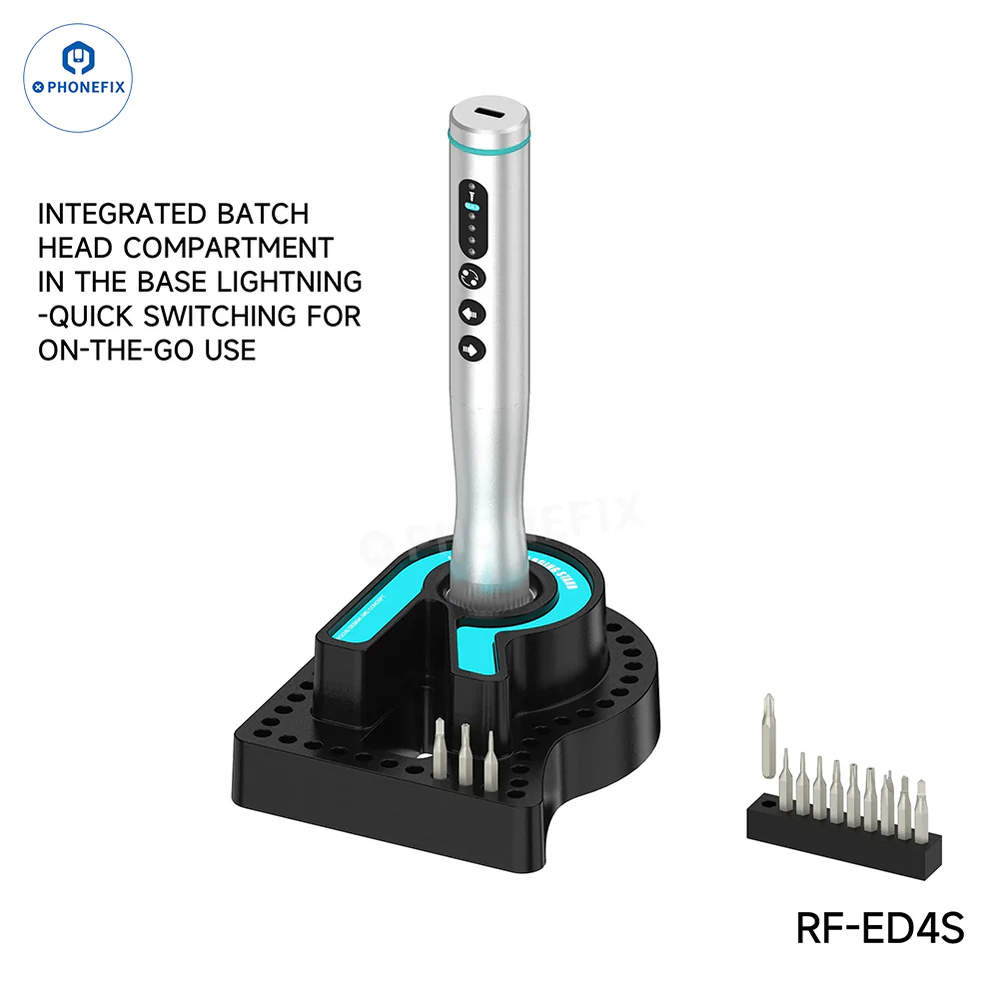 |
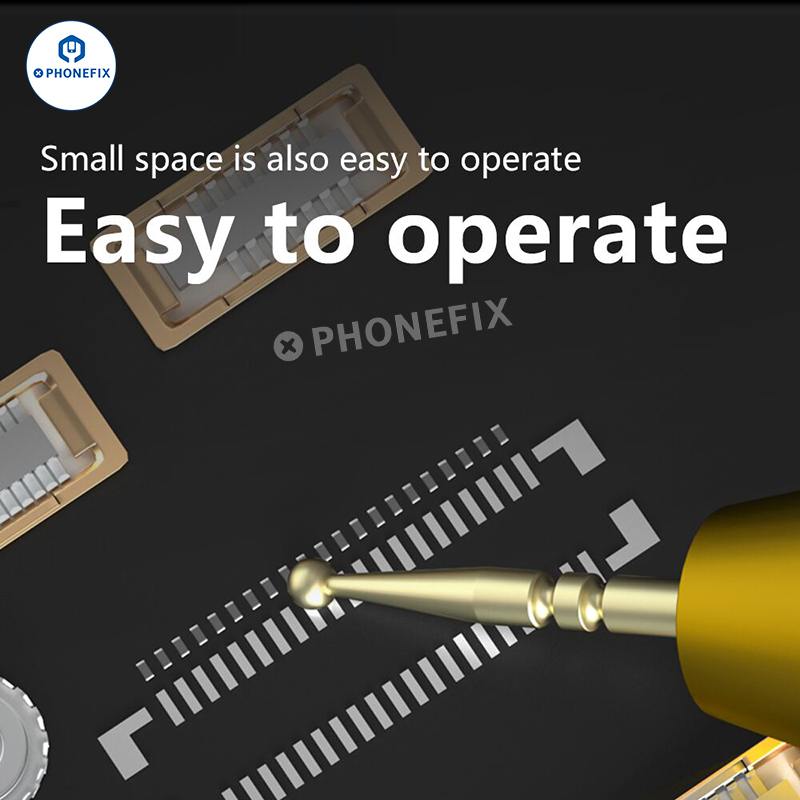
RFED4 42 Bit Electric Screwdriver Set For Electronics Technical Maintenance | RF4 RF-ED4 RF-ED4S Precision Electric Screwdriver, built for mobile and electronics repair, includes 42 S2 steel bits for screw tasks, and feature... |
Same products
|
|
VoltClip Tool V007 Pro iPhone Battery Adhesive Debonding Remover Clip | Seller: Phonefix | YOUKILOON V007 Pro VoltClip tool for debonding iPhone 16/16 Plus battery adhesive to disassemble ... |
 |
CP38 WATERPROOF ABRASIVE PAPER-2019 | Seller: ZIBO RIKEN MT COATED ABRASIVES CO., LTD. | Application: Riken RMC CP38 is made for wet and dry sanding; it can be used wet or dry on pain... |
 |
C45PM SAND PAPER ROLLS-2019 | Seller: ZIBO RIKEN MT COATED ABRASIVES CO., LTD. | Application: Riken RMC C45PM is super coated and it prevents clogging and static. Riken RMC C4... |
 |
C34P WATERPROOF ABRASIVE PAPER-2019 | Seller: ZIBO RIKEN MT COATED ABRASIVES CO., LTD. | Application: Riken RMC C34P could be applied to paints, primary coat and surface coat of the a... |
 |
AP82M SAND PAPER ROLLS | Seller: ZIBO RIKEN MT COATED ABRASIVES CO., LTD. | Application: Riken RMC AP82M adopts the special backing paper with high wear-resistant, The pr... |

